Register and real-time attendance
Mark learners in as they arrive, with term dates respected and absence visible immediately rather than at the end of the week.
See it in the demo →
Meadowbrook AP
The WILD Portal · Powered by The WILD Framework™
The software
Not a generic management system with a badge on it. Every session record, plan, review and report is written against The WILD Framework™, so what a coach types on a Tuesday afternoon becomes the evidence a commissioner or inspector reads at the end of term.
Every claim below has a working screen in this demonstration, follow the link and see it.
Mark learners in as they arrive, with term dates respected and absence visible immediately rather than at the end of the week.
See it in the demo →Coaches write what happened and what it showed. Because every record uses the same language, a term's worth of notes becomes usable evidence.
See it in the demo →Learning and progress plans and regulation and wellbeing support plans, connected to the learner's outcomes and reviewed on a cycle.
See it in the demo →Positive recognition and non-punitive reflection records, kept separate from anything that would be shared home unpublished.
See it in the demo →Concerns logged with immediate alerts to your designated lead, a chronology that cannot be quietly edited, and an inspection-ready view of policies and checks.
See it in the demo →Messages to families, plus a separate secure area where parents, carers and referrers see only what you have chosen to publish.
See it in the demo →Attendance, engagement and provision-wide indicators in one place, so leaders are not assembling them by hand each term.
See it in the demo →Staff records, training and compliance, leave, and role-based access so people only see what their job requires.
See it in the demo →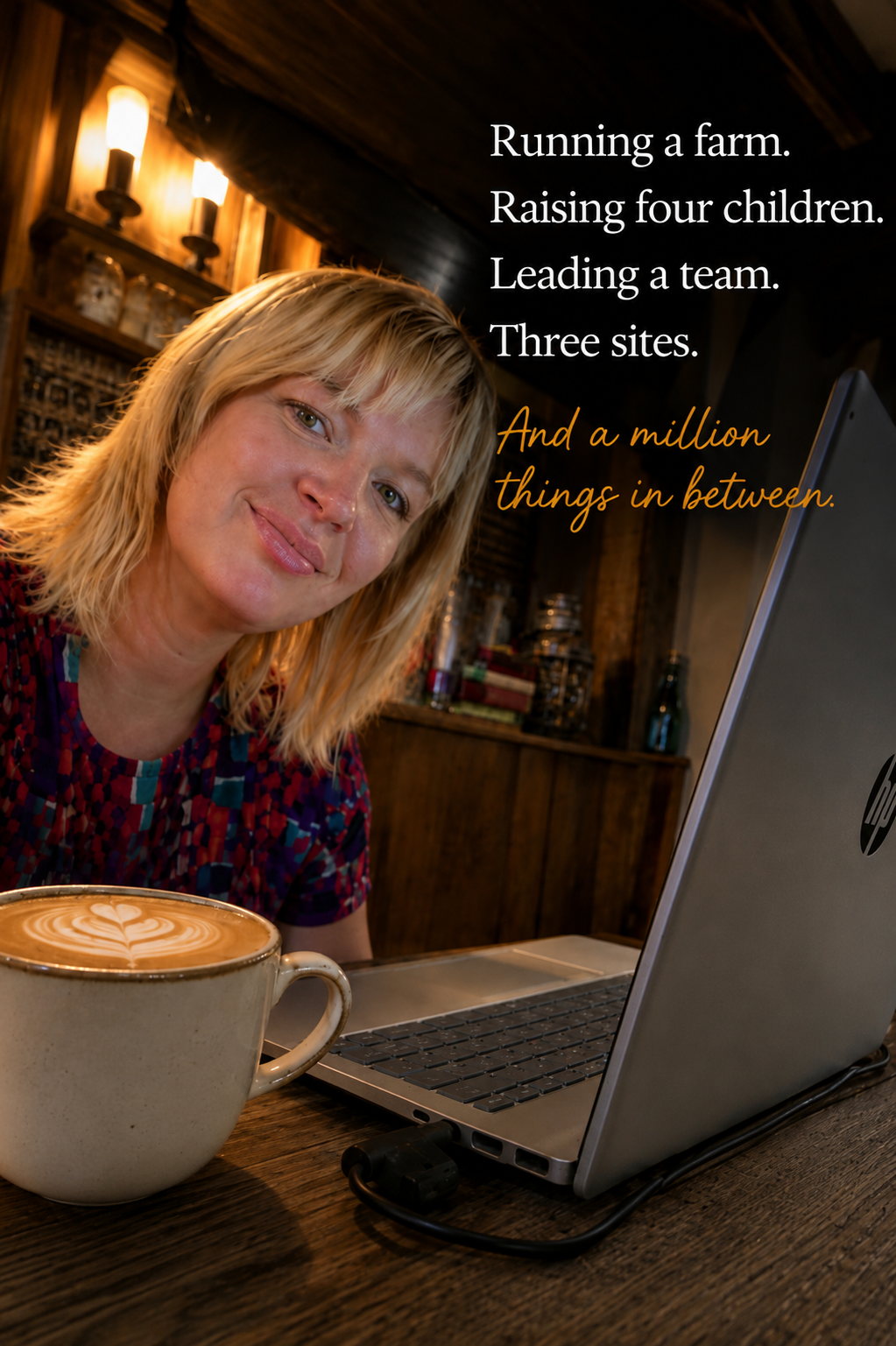

The human side
The Portal was built inside a working provision by people who were doing the register, the session notes, the safeguarding log and the commissioner report themselves, usually after everyone else had gone home.
Every hour the Portal saves on registers, chasing, re-typing and assembling evidence is an hour that goes back where it belongs: to practice, to people, and to the things that do not fit in a spreadsheet.
1
You get your own tenancy. Your learners, staff, records and documents are isolated from every other organisation on the platform, no shared lists, no shared registers.
2
We create your sites, groups, roles and staff accounts with you, and switch on the modules that match how you deliver.
3
Your organisation name and logo appear throughout. The Framework stays consistent; the wording around it fits your setting.
4
The Portal assumes your team uses Microsoft 365, so staff sign in with their work accounts and the Portal can work alongside Teams, Outlook and SharePoint.
Tell us how many learners and sites you work with and what is taking the most time at the moment. Pricing is confirmed per organisation once we understand that.